
Purchase price, tax, shipping, and additional fees stay attached to inventory.
ResellHQ
ResellHQ
BUILT FOR RESELLERS WHO WANT THE REAL NUMBERS
ResellHQ connects inventory, orders, inbound packages, sales, expenses, and analytics—so every flip has a real cost and every month has a real profit.
Have a promo code? Enter it directly on the secure Whop checkout.
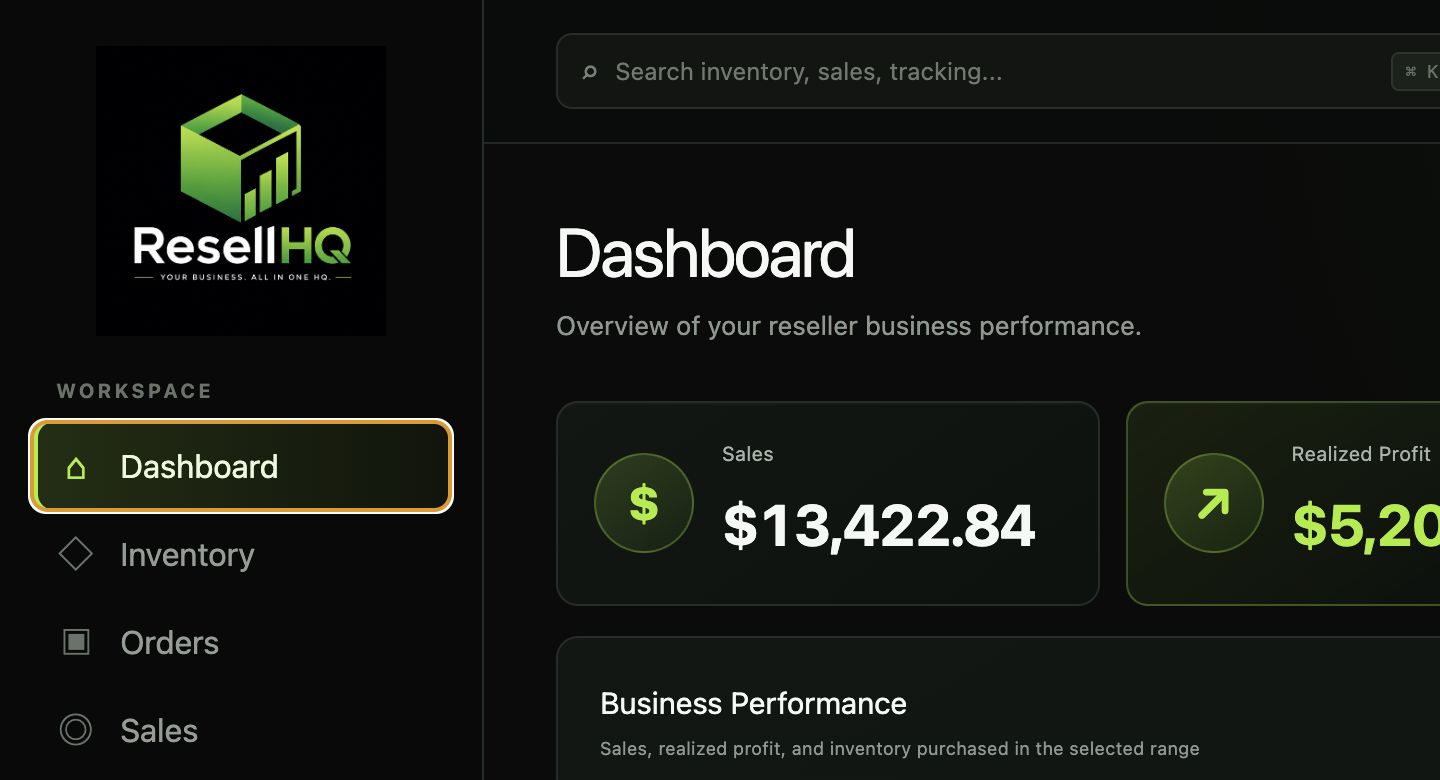
FROM SPREADSHEET CHAOS TO ONE CLEAN LEDGER
ResellHQ keeps the purchase, the product, the package, and the sale connected. That means fewer forgotten costs, fewer mystery quantities, and a much clearer answer to: “Was this worth it?”
Purchase price, tax, shipping, and additional fees stay attached to inventory.
See realized profit after cost basis, marketplace fees, and outbound shipping.
Use margins, flip speed, reminders, comps, and category performance—not guesses.
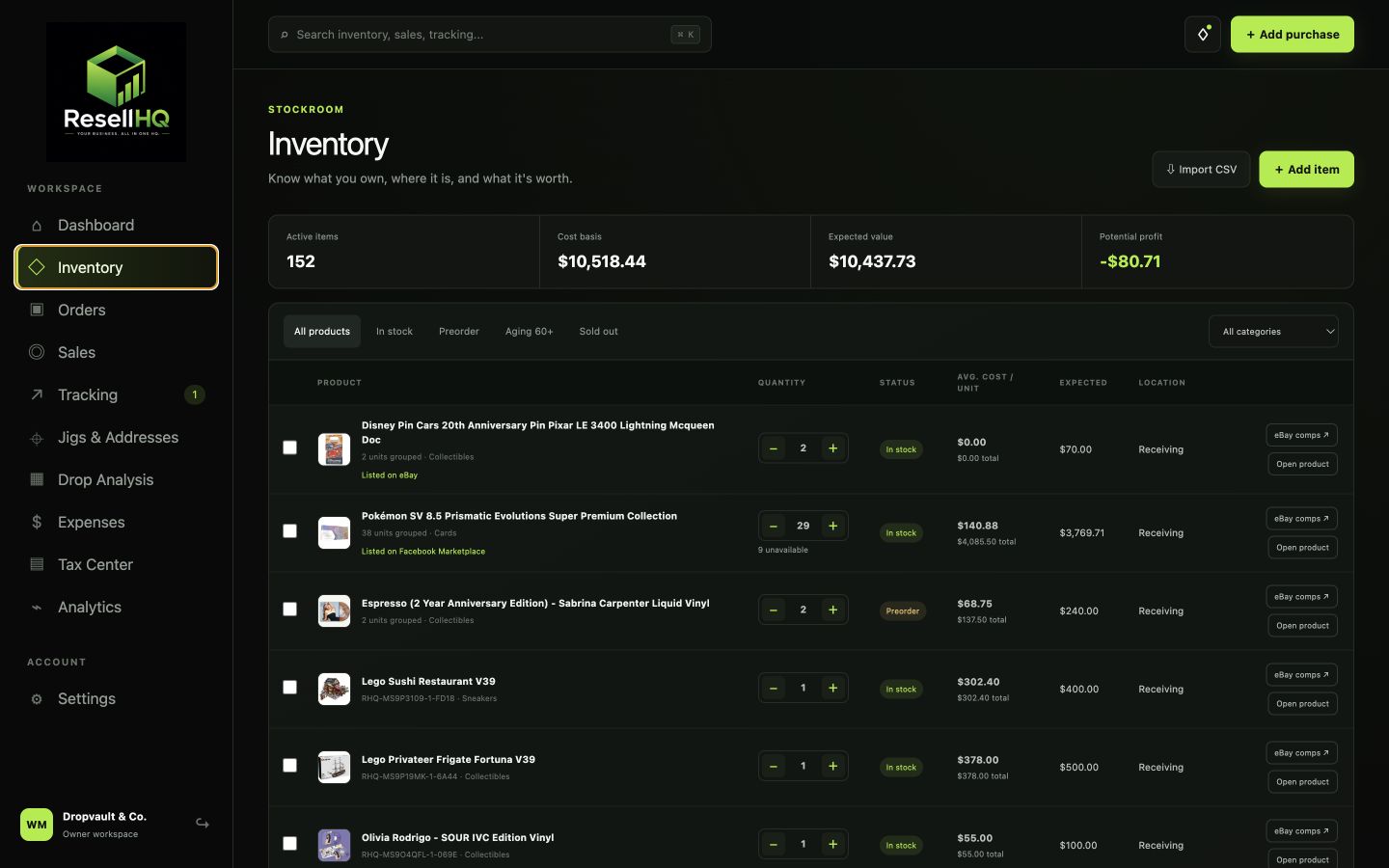
INVENTORY
Grouped products stay clean while the individual acquisition history remains traceable.
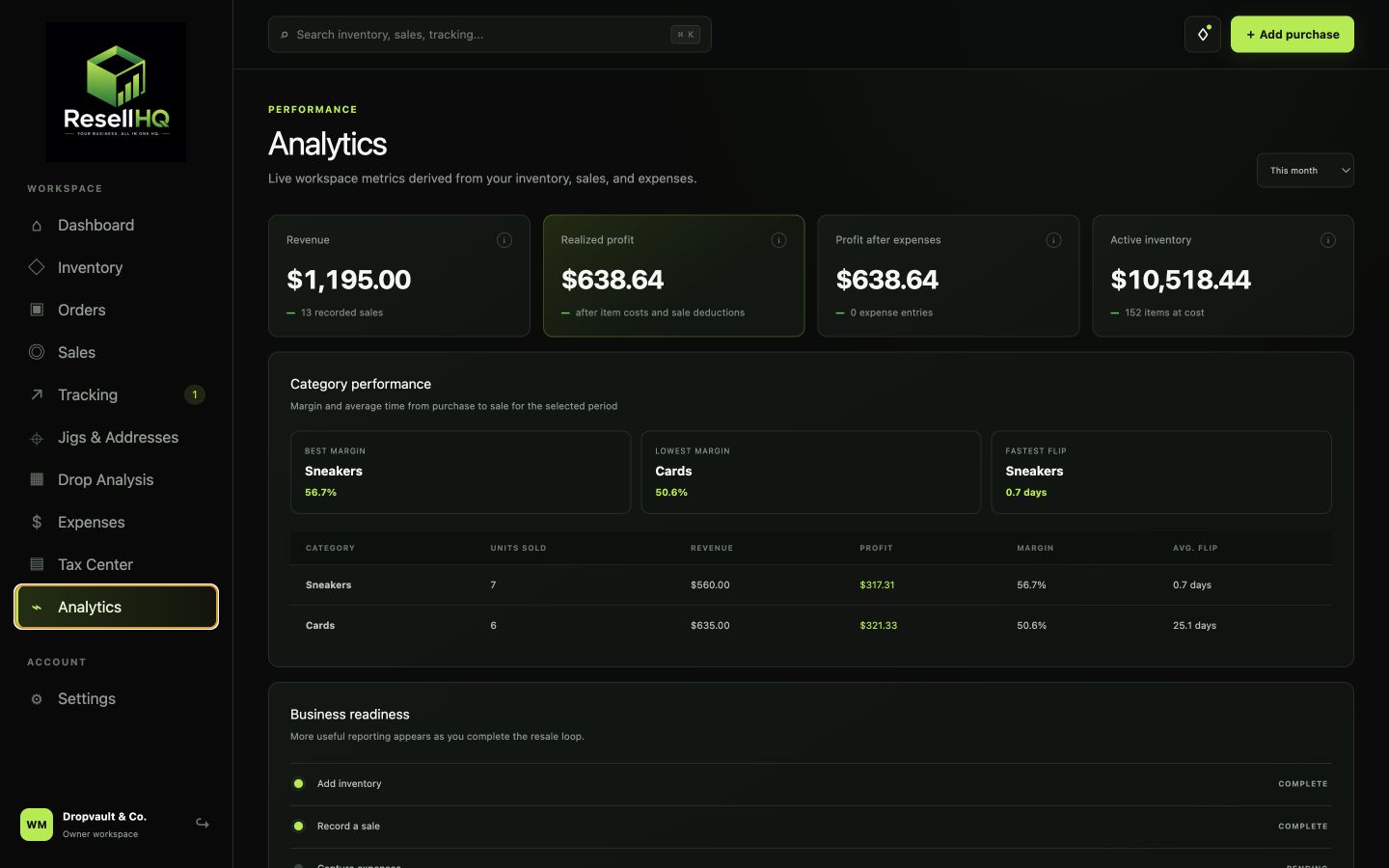
ANALYTICS
Adjust the period and understand the categories, marketplaces, and products driving the business.
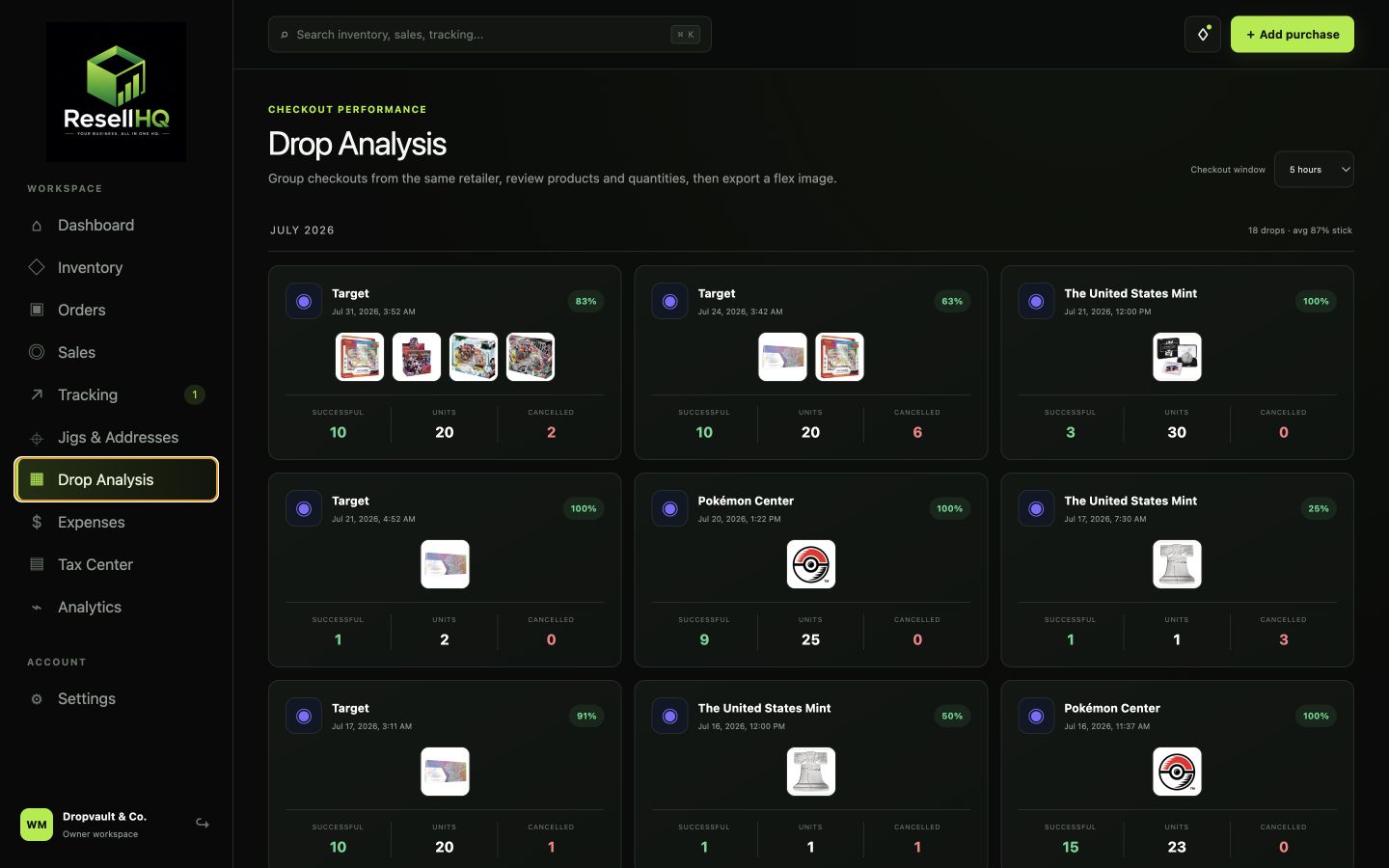
DROP ANALYSIS + FLEX REPORTS
Group orders from the same retailer and time window, exclude cancellations, and generate a branded success report.
THE FULL OPERATING SYSTEM
Start with inventory and sales. Add automation, reporting, and deeper analysis as your operation grows.
Group matching products, track quantity, landed cost, added fees, expected value, preorders, marketplace listings, and personal keep/rip activity.
Connect multiple inboxes, choose retailers and date ranges, review imports, and follow confirmations, cancellations, shipping, and delivery by order number.
Record single or multi-item sales with marketplace, payment method, fees, shipping, cost basis, payout status, and true realized profit.
Attach tracking to an order, see the destination and product image, open the carrier page, mark delivered, and archive completed packages.
Compare revenue, profit, inventory spend, categories, marketplaces, margins, flip speed, expenses, and personal inventory use across adjustable periods.
Organize shipping, materials, software, memberships, renewal reminders, sales, COGS, tax paid, and year-end business records.
Connect address variations to a main address and see what worked or cancelled at each retailer.
Group checkouts into drops, remove cancelled orders from results, and export branded PNG success reports with products and totals.
Bulk upload inventory by CSV, follow the built-in walkthrough, and use guided IMAP setup for supported email providers.
ONE CONNECTED WORKFLOW
Add inventory manually, upload a CSV, or review retailer orders discovered through IMAP.
Connect orders to tracking and keep every active package and preorder decision visible.
Select the exact inventory sold, include fees and shipping, and let ResellHQ calculate the result.
Use the dashboard, analytics, expenses, and Tax Center to understand what is actually working.
WHY RESELLHQ
ResellHQ is built to protect the part of your business that is easiest to lose track of: the difference between money coming in and money you actually kept.
SIMPLE PRICING
No feature maze. One membership unlocks the complete platform and your private workspace.
Payments and subscription management are securely handled by Whop.
Using a promo code? Select “Add promo code” on the next screen before completing checkout.
Cancel anytime through Whop.QUESTIONS, ANSWERED
Complete checkout on Whop, then create or sign in to ResellHQ using the exact same email address used for the Whop purchase. Whop sends the membership activation to ResellHQ automatically. If the subscription page is still visible, refresh it or sign out and back in. If the emails do not match, contact support in Discord or at support@resellhq.app so the workspace can be matched safely.
Yes. Press any Start or secure checkout button, then select Add promo code on the Whop checkout before paying. Confirm that the discount appears in the order summary before completing checkout.
The membership includes the full ResellHQ workspace: inventory, preorders, retailer order intake, inbound tracking, grouped sales, estimated profit calculator, expenses, analytics, Tax Center, Jigs & Addresses, Drop Analysis, monthly recaps, CSV imports, onboarding, and Discord support.
Yes. Add products individually or download the inventory CSV template and upload existing products in bulk. Matching products can be grouped while preserving unit-level cost history.
Yes. The workspace is responsive, and purchases, sales, profit estimates, tracking, order review, inventory, flex reports, and monthly recaps are designed to work on mobile.
Connect a supported inbox using IMAP and an app-specific password. From Orders, choose the inboxes, retailers, and time period to scan. ResellHQ presents detected orders for confirmation before they enter the active ledger, then matches later cancellation, shipping, and delivery emails by order number.
ResellHQ includes guided setup for Gmail, Yahoo, AOL, iCloud, and custom IMAP accounts. Retailer parsers currently cover major stores including Target, Walmart, Best Buy, Pokémon Center, Mattel Creations, Amazon, the U.S. Mint, Shop Nice Kicks, and others. Support continues to expand as retailer email formats change.
No. Supported providers use an app-specific password created for ResellHQ. The built-in walkthrough explains how to create it. ResellHQ reads order-related email data and does not send email from the connected account.
Yes. Confirmed preorder quantities can be tracked separately, assigned cancel-by reminders, checked against comps, and recorded as sold before shipping. When they arrive, they can be moved into regular inventory without duplicating quantities.
Recorded profit uses sale revenue minus the landed cost of the exact units sold, marketplace fees, outbound shipping, and refunds. The read-only profit calculator can model in-stock or preorder sales without changing inventory or creating a sale.
No. Tracking is focused on inbound packages. It stores the carrier tracking number, order image, and destination, then links to the official carrier page for live details.
Yes. Inventory and sales can be imported by CSV, and workspace records can be exported for backup, reconciliation, or year-end preparation.
No. The Tax Center organizes sales, cost of goods sold, fees, shipping, expenses, tax payments, and general filing preparation. Final filing decisions should be confirmed with a qualified tax professional.
Yes. Billing and cancellation are managed securely through Whop. Cancelling stops future renewals according to the membership terms while preserving access through the paid period shown by Whop.
Use the Join Discord links throughout the site for community and product support, or email support@resellhq.app. The in-app walkthrough can also be restarted at any time from Settings.

YOUR BUSINESS. ALL IN ONE HQ.
Bring the inventory, orders, sales, expenses, and real profit into one place.